Sponsors

Sunday, September 8, 2013

Lux Auto Brightness v1.75 APK

Lux Auto Brightness v1.75 APK


Auto brightness that works!


Lux Auto Brightness play.google.com.vito.lux
Lux isn't your ordinary brightness app. It intelligently adjusts the brightness of your display based on the environment you're in. If, for example, you step into a dimly lit room, Lux will automatically lower the brightness of your display to make it not only comfortable to read, but to also preserve battery power.

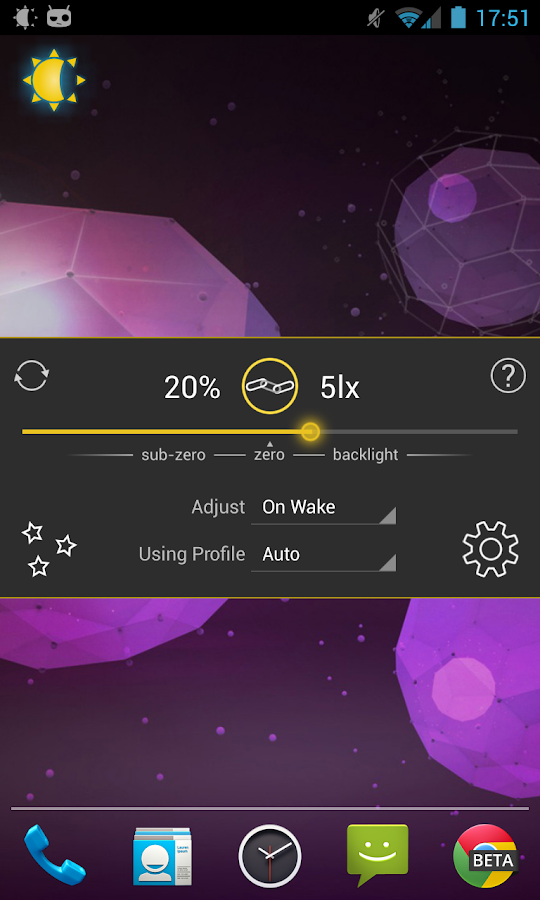
Lux provides the option to automatically adjust the backlight at fixed intervals (periodic mode), when a change in environment is detected (dynamic mode), or when the phone wakes from sleep. It's also possible to adjust the backlight manually. Simply disable automatic mode and you can use it like a traditional brightness tool!

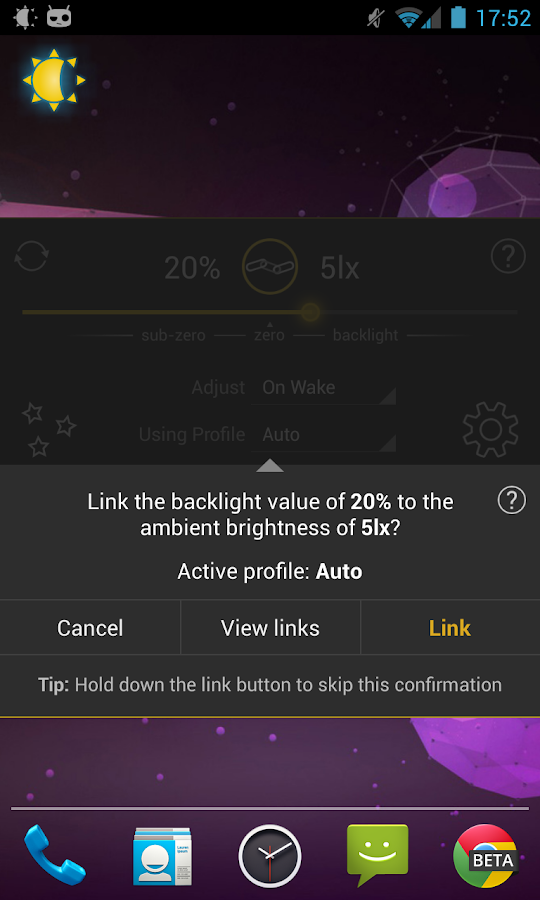
Perhaps the best thing about Lux is that you can teach it how to behave. If the backlight is too bright or dim for your liking, simply open the provided Dashboard, adjust the brightness slider to the level you desire, then hold the link button. Lux will use this new 'link' as a reference in future.

Give it a go! I want you to test Lux for more than the 15 minute refund period offered by Google. I understand that some devices may not have the best quality light sensor, and that you may need more time to play around with settings. If you find that Lux doesn't suit you after the 15 minutes is up, you can request a refund at any time via e-mail - no questions asked.

DO NOT request features, report bugs, or ask for assistance in your review. I can't reply to them! Please e-mail me instead.

Features:
  • Custom auto brightness.
  • Sub-zero brightness to make reading in the dark significantly less irritating.
  • Battery efficient
  • Handy brightness widget
  • Option to use the camera to read in ambient light.
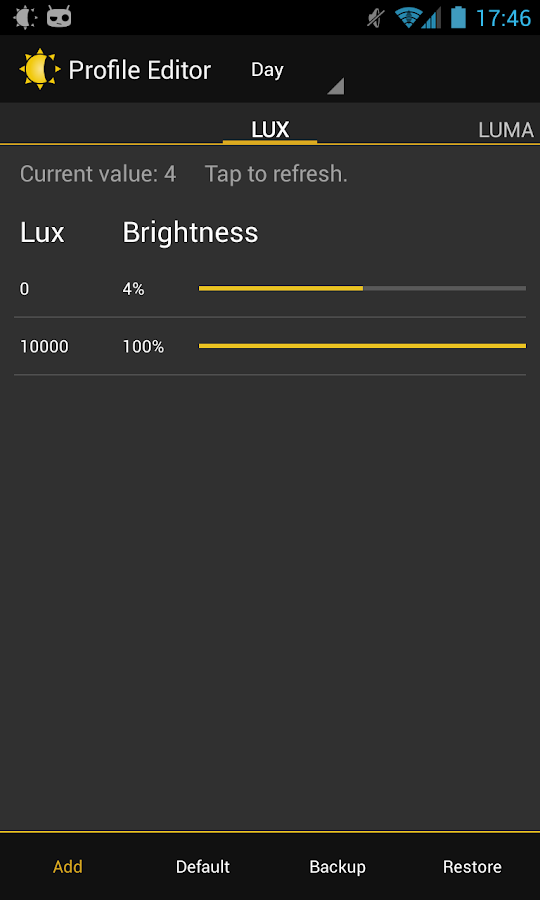
  • Power-user settings such as choice of interpolation, sensor debugging, and linked sample editing.
  • Backup to SD.
  • Customisable data filtering for phones with inaccurate light sensors.
  • Gradual fade effect for backlight adjustments.
  • Astronomer mode adds a red filter to the screen to preserve the eyesight of stargazers.
  • Jitter control to prevent constant small changes to the backlight.
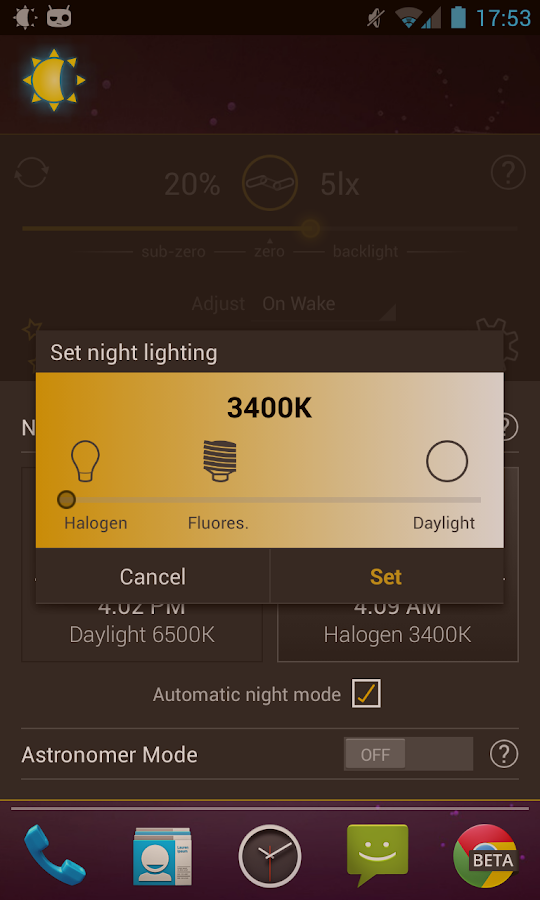
  • Night mode, to change the colour temperature of the display for comfortable night time viewing.
  • Add app specific exceptions via compatibility mode
  • No ads, or other nuisances.
  • [new] Tasker and Locale support!
What's in this version : (Updated : Sep 8, 2013)
  • Improved low memory stability
  • Arabic/Finnish translations
Required Android O/S : 2.1+
Screenshots :
Lux Auto Brightness - screenshot Lux Auto Brightness - screenshot

Download : 1.7Mb APK
Windows8 Windows 8 +Launcher v1.9 APK

Windows8 Windows 8 +Launcher v1.9 APK


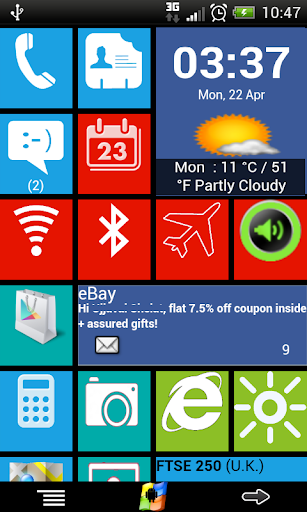
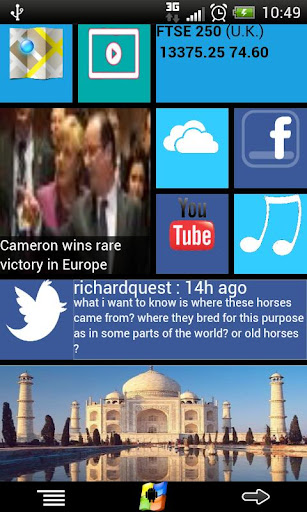
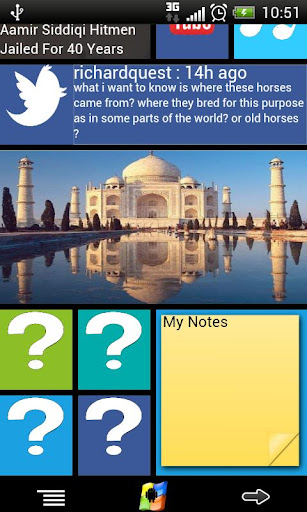
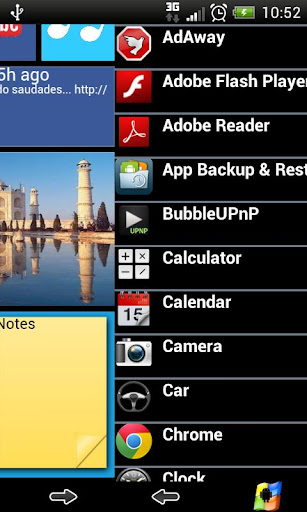
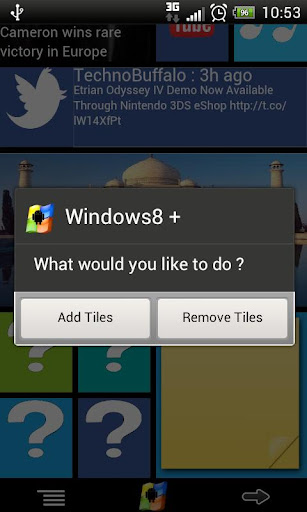
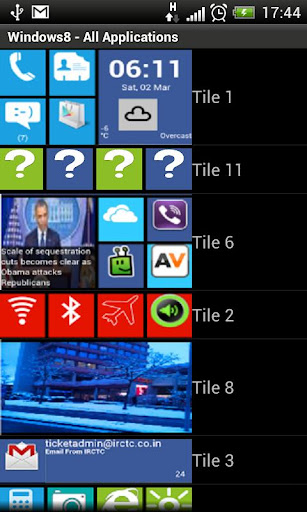
Windows8+ is Home launcher application which tries to provide Windows8 mobile like experience on your android device!


Windows8 / Windows 8 +Launcher  play.google.com.windows8p
Features:
  • Live tiles for gmail, news, weather, twitter, calendar , etc with many configuration options
  • Drag and drop tile groups to re-order/change the position of tiles.
  • Change icon/tile icon size using Menu >> Icon Size 
  • Select the preferred country for news using Menu >> Prefs >> News Country and for stock market using Menu >> Prefs >> Stock Market 
  • Power Control widget to on/off Wifi, Airplan mode, Bluetooth, ring mode, screen brightness, etc.
  • Click on icon/tile will bring up (launch) the associated app, (This application will try to associate most common applications like dialer, messsage, google play, etc) if you are clicking first time and no application is associated then list of all installed apps will be opened and you can associate any app of your wish to this tile.
  • Long Click on icon/tile to change the color, icon, application associated to tile. Following 3 options are available\n * Associate App - Change the launching app while keeping the same icon on home screen.\n * Change Color - Change background color of tile.\n * Change App - Change the launching app and icon will be replaced with app default icon on home screen. 
  • Additional icons/tiles style which can be customized as per your need. Add/remove tiles from Menu >> Tiles
  • Weather Service : Based on your current location, local weather details are available.
  • Stock Market updates : Select your preferred Stock Market using Menu >> Misc >> Stock Market
What's in this version : (Updated : Sep 6, 2013)
  • Add widget on tile (defect fixes).
  • Fix for application crash defect
  • "Flip" tile enhancement with unread count for gmail and message(SMS)
Required Android O/S : 2.2+
Screenshots :


Download : 6Mb APK

Worms 2: Armageddon v1.3.9 APK

Worms 2: Armageddon v1.3.9 APK


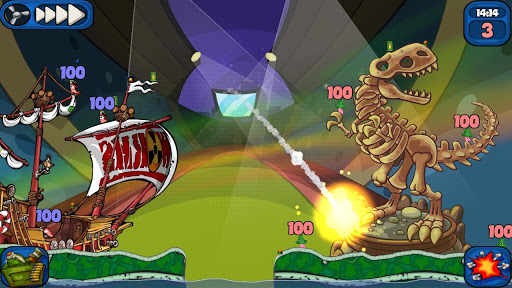
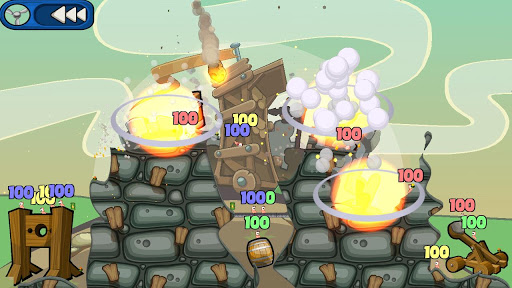
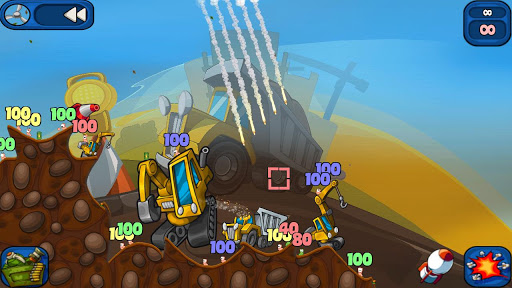
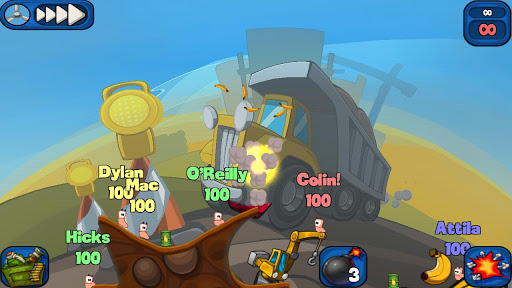
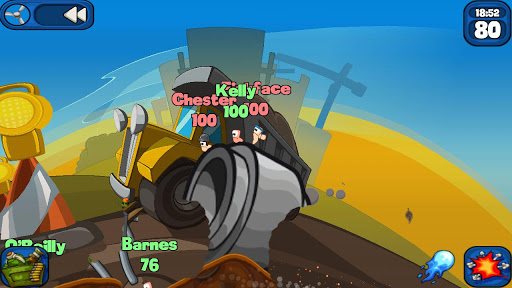
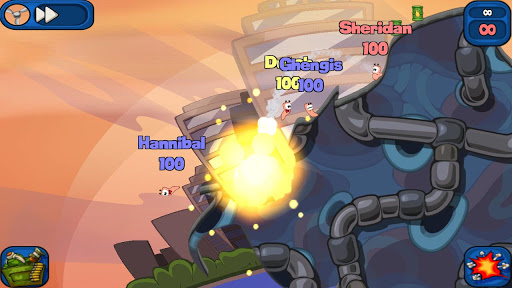
Grab your grenades and prepare for battle, as the worms are back, bigger and better than ever in Worms™ 2: Armageddon!


Worms 2: Armageddonplay.google.com.worms2armageddon
The best-selling turn-based-strategy blast-a-thon is now available on Android, with new weapons, brand new customisation options and of course, more explosions!

Features:
  • Authentic Worms™ gameplay with cartoon-style visuals, comical audio and a refined control system using the innovative touch screen user interface
  • New to Worms? Make sure to check out the Practice mode, where you can try out weapons against A.I. dummy worms
  • 30 Single Player missions across 5 new themes including Manhattan, Medieval, Sports, Construction and Cheese
  • Body Count Mode, take on endless waves of increasingly tough enemy worms
  • Take on players from around the world with online Wi-Fi multiplayer action for 2 players
  • Pass-and-Play with hotseat local multiplayer action for 2-4 players
  • New weapons and utilities, including the Sentry Gun, Electromagnet, Napalm Strike, Super Sheep, Petrol Bomb, Armageddon, Pneumatic Drill, Earthquake and Poison Strike
  • Classic Worms™ weaponry, including the return of the Sheep, Holy Hand Grenade, Concrete Donkey, Parachute, Baseball Bat and Ninja Rope
  • Personalise the look of your team by changing your worms names, hat, skin, speechbank, gravestone, fort and victory dance!
  • 12 different Game Styles including new modes Fort Mode and Crazy Crates and the return existing modes Easy, Normal, Pro, ‘Bazooka and Grenade’, Melee, Gun Show, Heads Up, Lightside, Darkside and Sudden Death. You can even create your own Custom Game Style!
  • Leaderboards
  • Achievements
What's in this version: (Updated : Sep 6, 2013)
  • Various bug fixes and improvements to the game.
Required Android O/S : 2.2+
Screenshots :


Download : 90Mb (APK+OBB)
Instructions :
  • Install APK
  • Remove license verification with Lucy Patcher or Run with Modded Google play.
  • Copy 'com.worms2armageddon.app' folder to 'sdcard/Android/obb'
  • Launch the Game

Easy Uninstaller Pro - Clean v2.2.3 APK

Easy Uninstaller Pro - Clean v2.2.3 APK


Simplist & fastest uninstall tool for android!


Easy Uninstaller Pro play.google.com.uninstallerpro
Easy & fastest uninstall tool.
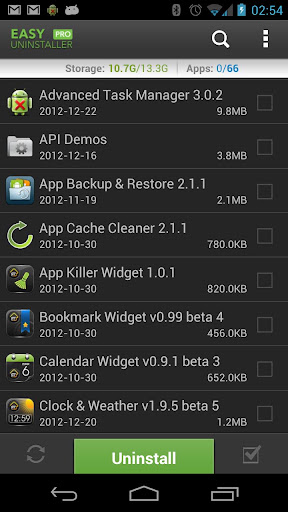
Easy Uninstaller is a tool to uninstall apps for android phones. It is quit easy to use, you can select multiple apps that you want to uninstall, and click "Uninstall Selected Apps" button to uninstall them. Easy Uninstaller also support app search & sort. 
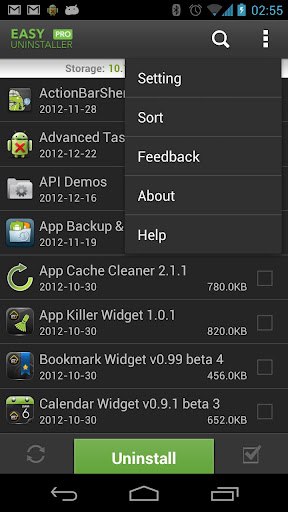
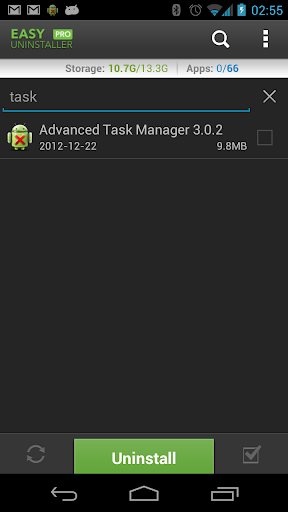
Type the keyword in the textbox in the top to search the app that you want to uninstall. Click "Menu"->"Sort" to sort the apps in many sort types. Long click on specified app, you will get a poped up context menu to provide more options. You can view app details by click "Application Details", you can share app by click "Share", and you can search the app in the google market by click "Search in Google Market".

Features:
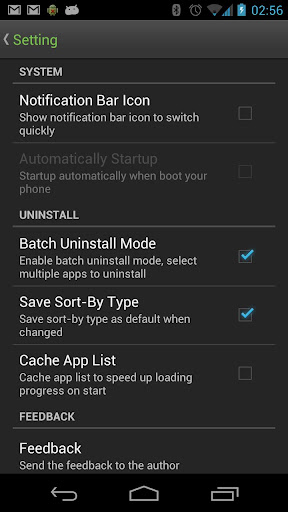
  • Batch uninstall
  • Fast uninstall by one click
  • Show app name,version,update time,size
  • Search app by name
  • Various sort mode
  • App share
  • Search in Google Market
  • AD free
Easy Uninstaller cannot uninstall pre-installed apps in the system because it is limited by the system machenism.
What's in this version : (Updated : Sep 7, 2013)
  • Uninstall history
  • Uninstall reminder
  • Change language
Required Android O/S : 2.1+
Screenshots :


Download : 225Kb APK

aTorrent PRO - Torrent App v2.1.0.5 APK
aTorrent PRO - Torrent App v2.1.0.5 APK

aTorrent - Torrent App. Download big files to your phone or tablet!


aTorrent PRO - Torrent App play.google.com.torrent.prof
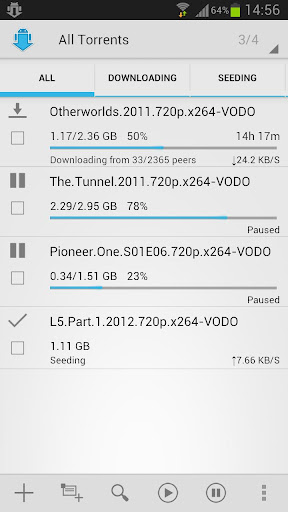
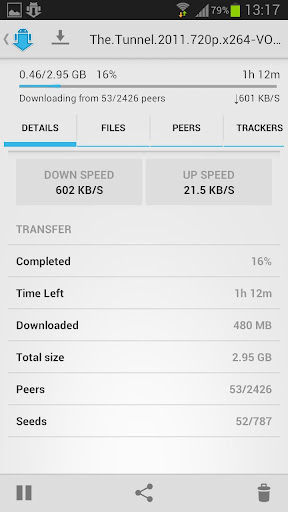
aTorrent - Bit Torrent Software. Download big files right to your pad or phone!
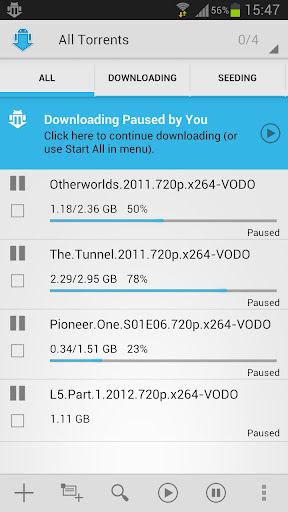
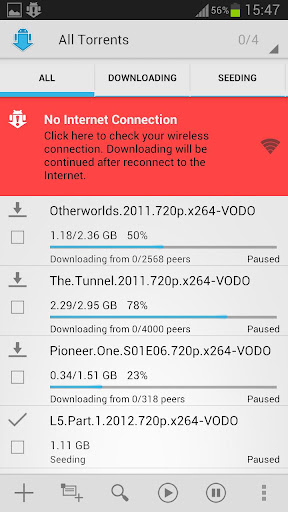
aTorrent PRO - Native P2P BitTorrent Software for Android devices. Download files with ease right to your phone or tablet!
Professional (Ad-free) version.

Features:
  • Torrent search dialog
  • Open torrents right from browser
  • Magnet links support
  • Add torrent from file
  • Choose download folder
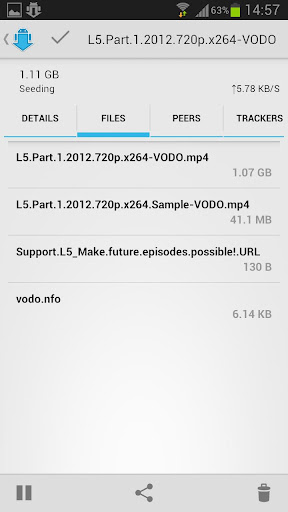
  • Partial download (choose files from torrent)
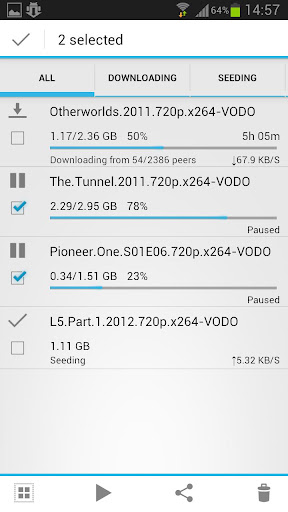
  • Multiple parallel downloading
  • Option to limit downloads by Wi-Fi
  • Option to pause downloads when external power supply is not connected
  • Supported protocols: BitTorrent P2P, DHT, Advanced DHT Bootstrap, Magnet links, HTTP & UDP Trackers
What's in this version : (Updated : Sep 6, 2013)
  • some bugs fixed
  • torrent engine updated
  • file sorting options added for torrent's internal files
  • translations added
Required Android O/S : 2.1+
Screenshots :


Download : 3.6Mb APKAPK
Ultimate Call Screen HD Pro v10.0.4 APK
Ultimate Call Screen HD Pro v10.0.4 APK


Ultimate Call Screen HD: Fullscreen Caller ID. Call Blocker and Sensor actions!


Ultimate Call Screen HD Pro play.google.com.ucs
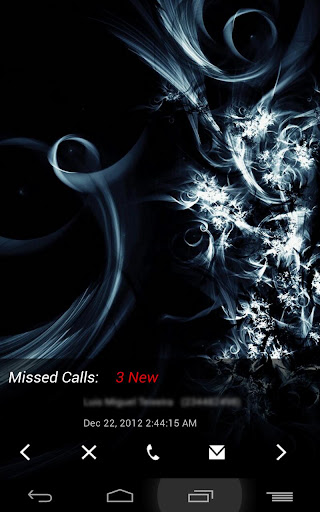
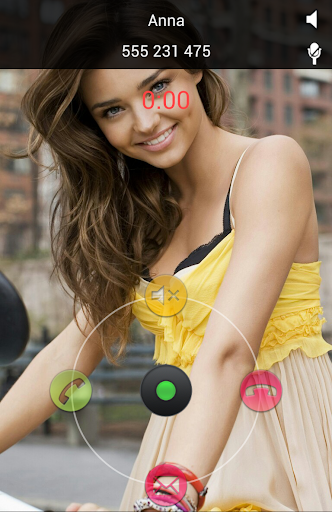
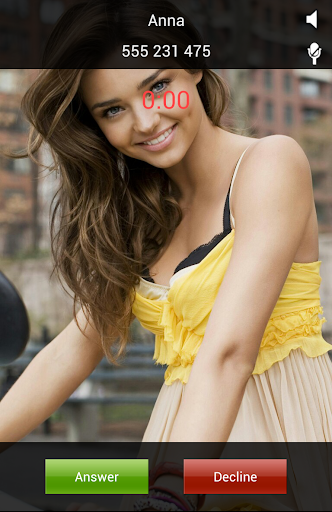
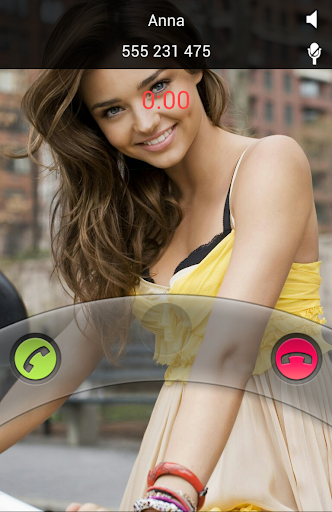
Ultimate Call Screen HD Free combines a Fullscreen Caller ID replacement, contact picture manager, call blocker, and, on top of that, sensor-base actions such as rejecting calls by turning the phone screen-down, and swipe gestures just to be sure you handle your phone any way you want to.

Licensed users can link phone contacts to Facebook profiles, and use their HD profile pictures as call screens. Also with the License comes Ultimate SMS Screen, the name says it all.

All this on the same package, working from Android V2.1 to ICS, on any resolution on any phone.

There is no limit on the number of contacts you can personalize or block on the Free version. There are no adds and no timeouts. I believe on added functionality for value, not crippling the app to force buys.

Important:To access the dialpad and other standard functions, press "back" button while on a call, or use the enable the "swipe down" feature to do the same

Feature:

General:
  • No limit on number of contacts to personalize.
  • Apply pictures to contacts directly from your gallery, with the android "share" function. Just choose "Add to UCS"!
Full Screen Caller ID
  • Selectively enable only for outgoing/incoming calls
  • Enable swipe gestures to bring up the default phone interface
  • Press "Back" when UCS is handling a call to jump back to your default phone interface
  • Choose pictures from gallery or take from camera
  • Image cropper with multi-touch zooming
  • Per-contact blocking
  • Preview each contact callscreen
  • Define a global default HD picture for those contacts you don't feel like personalizing
  • Optional on-screen "loudspeaker" button
  • Option to show/hide status bar on lockscreen
  • Optional haptic feedback (vibrate)
  • Different default pictures for known and unknown contacts
  • Hide parts of the call screen for cleaner interface.
Call Blocker
  • Block individual contacts.
  • Global Activate/deactivate call blocking, overriding individual contact block status.
Sensor based actions
  • Activate/deactivate sensor actions
  • Set the "Turn to reject" feature: Turn the phone screen-down to reject an incoming call.
Pro Features:
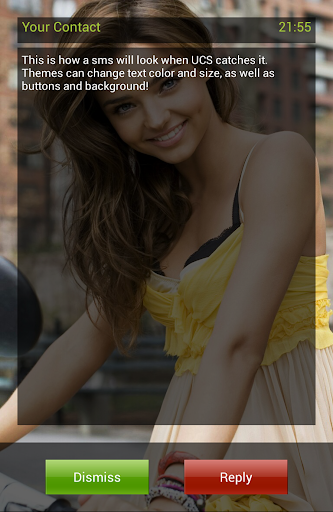
  • Intercept and show SMS messages with fullscreen caller picture below. Fully themable SMS screen.
  • Option to make incoming SMS show above lockscreen, including turning the screen on
  • Dismiss or reply to sms directly from UCS SMS screen, with buttons or swipe gestures
  • Link your contacts to Facebook friends and use their HD profile pictures as call screen.
  • Setup UCS to use your current android contact picture as fullscreen caller ID.
  • Enable swipe gestures to answer, decline,or bring up your default phone interface
  • Use UCS themes to personalize your call screen even more! Different default themes for known and unknown contacts, as well as hiding callscreen elements.
  • Setup different themes for individual contacts
  • Activate the "Turn to mute ring" feature (if your hardware supports it).
  • Activate the "Turn for loudspeaker" feature (if your hardware supports it).
  • Activate the "Block all incoming calls" feature: every single call will be blocked.
  • Activate the "Whitelist mode". This allows you to invert the blocking selection, and all contacts NOT marked for blocking will be blocked.
  • Activate the "Block Unknown Callers" feature.
What's in this version : (Updated : Sep 7, 2013)
  • Performance improvements
  • Dark Texture Theme is now free
  • Redesigned User Interface
  • New plugin to control UCS new UI animations
Required Android O/S : 2.1+
Screenshots :


Download : 1.2Mb APK

Related Articles

Related Posts Plugin for WordPress, Blogger...