Sponsors

Wednesday, May 15, 2013

Smart Launcher Pro v1.5.13 APK

Smart Launcher Pro v1.5.13 APK


Simple, Light, Fast!


Smart Launcher Pro play.google.com.flowerpro
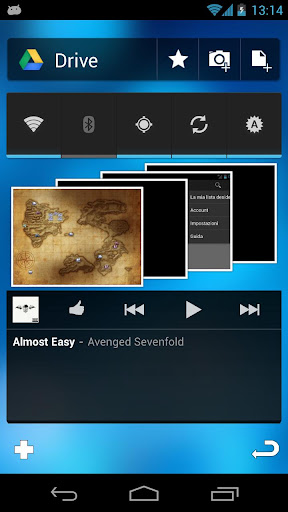
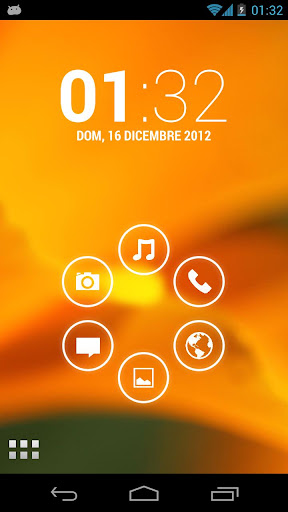
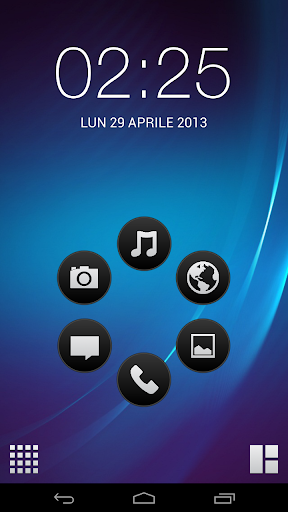
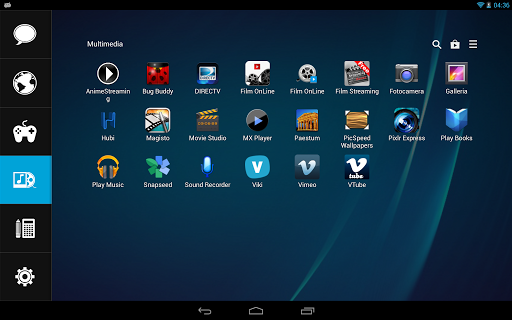
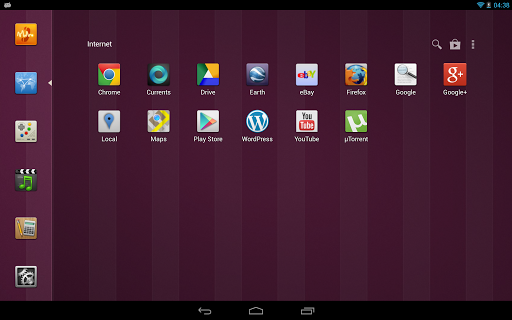
Smart Launcher is an innovative launcher characterized by a minimalist design, low memory usage and an user-friendly UI that let you start any application with a few taps.
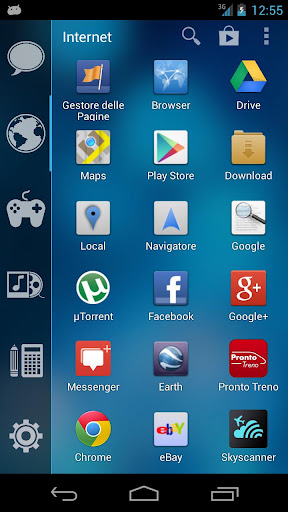
It is currently the only launcher on the store to features automatic cataloging of installed apps!

Features:
  • Main screen with Quick Start
  • Drawer organized by categories
  • Ready to use without special configurations.
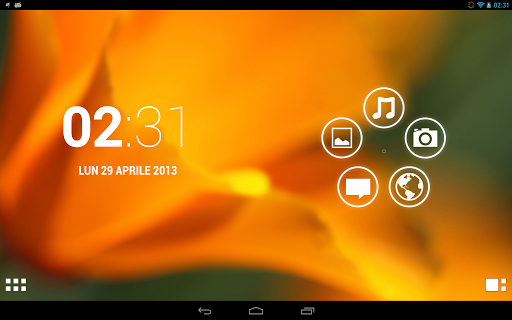
  • Support for Live Wallpaper and screens of different sizes.
  • Support of set of icons for Launcher Pro and ADW Launcher
What's in this version : (Updated : May 12, 2013)
  • New color picker;
  • Support for more devices;
  • Bugfix;
Required Android O/S : 2.1+
Screenshots :


Download : 1.6Mb APK

HEAVY sword v2.0 APK

HEAVY sword v2.0 APK


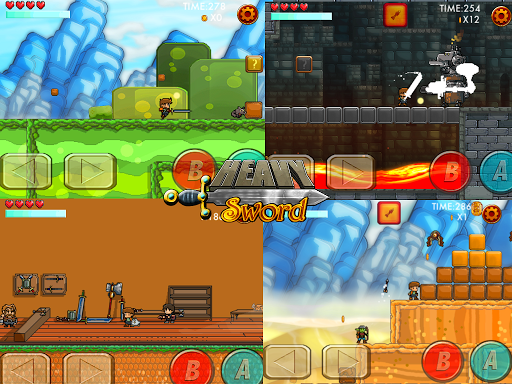
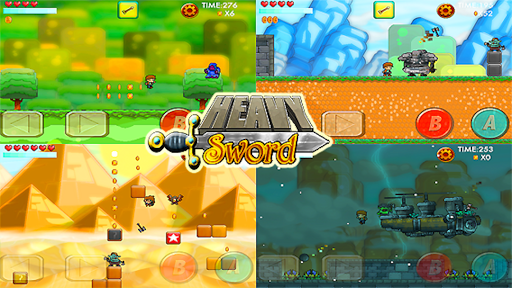
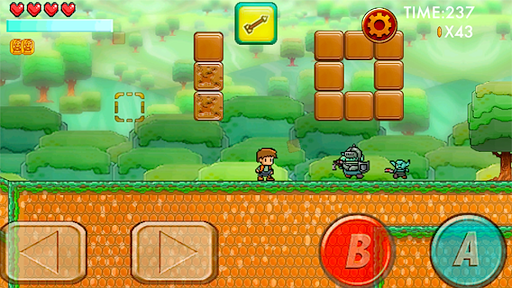
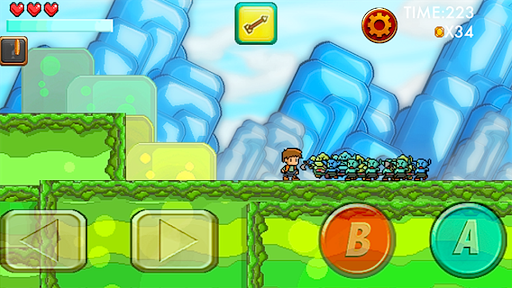
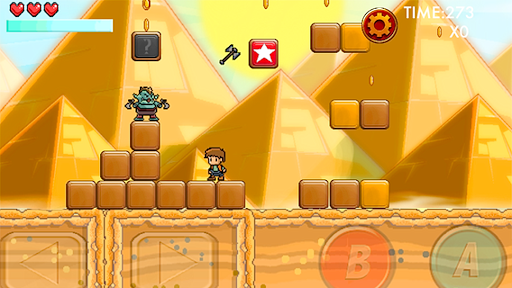
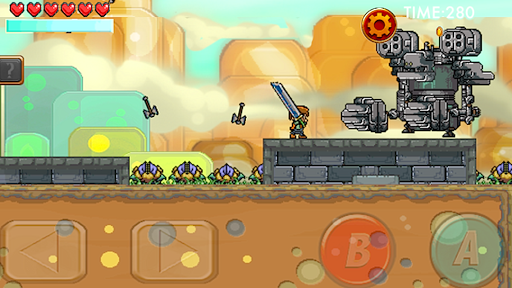
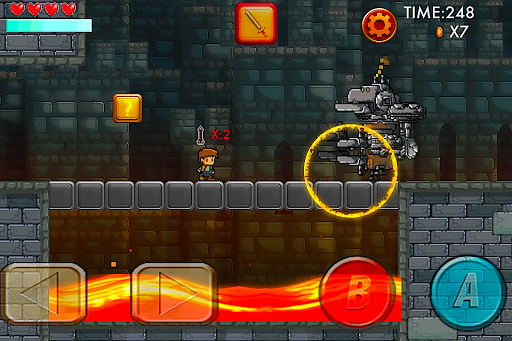
Inspired by classic platformers of old! Take control of a young hero by the name of Pike!


HEAVY swordplay.google.com.heavysword
Run, jump, dash, chop, bomb, smash your way through Goblin, orcs, ogres, Robot knights, Wizards, lava, falling rocks, man eating plants, and loads of other dangers on your quest to rescue the Princess Lucinda!

Features:
  • loads of exciting levels 
  • awesome power ups: 
  • Bombs, Bows, Throwing daggers, Steam powered armor 
  • and of course the all powerful HEAVYsword! 
  • Game Center Achievements! 
  • Unlockable extras like the Memory match Card Game
Please rate and review HEAVYsword to help us keep making games!
Required Android O/S : 2.3+
Screenshots :


Download : 37Mb APK

FilePush v1.4.2 APK

FilePush v1.4.2 APK


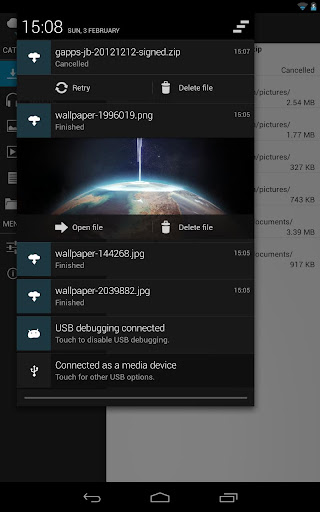
FilePush lets you transfer files to your Android device with only two clicks!


FilePushplay.google.com.filepush
Officially supported is Windows Vista, Windows 7 and Windows 8.

With the Windows Client you can create context menu entries that appear when you right-click a file inside Windows Explorer. With a click on the "Push file to device" entry the file will appear a few seconds later as a download on your device.

Features:
  • Windows Client (Vista, 7, 8) with explorer integration
  • Support for multiple devices
  • Pushing files using WLAN - fast
  • Or using Google Drive - anywhere
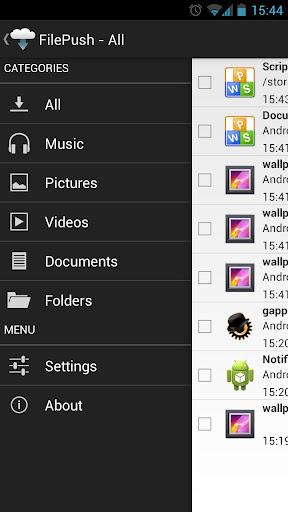
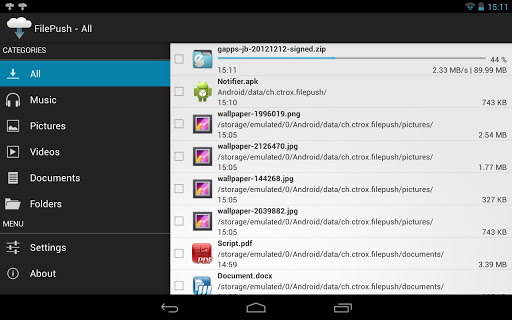
  • Categories for different file types
  • Pushing clipboard contents to device
  • Open, move and delete files
  • Rich notifications
  • No registration (Google Account)
  • Uses Google Push service, is not always running in background
What's in this version : (Updated : May 13, 2013)
  • Improved WLAN transfers
  • Added undo button to list swiping
  • MKV files should now be detected properly
  • Fixed rare bug with registering
  • Added Portuguese translation
  • Added Hebrew translation
Required Android O/S : 2.2+
Screenshots :


Download : 1Mb APK

Instapaper v1.2.2 APK

Instapaper v1.2.2 APK


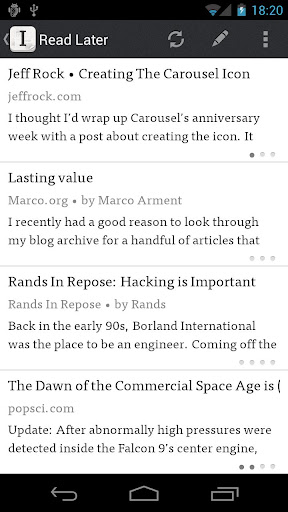
A simple tool to save web pages for reading later!


Instapaper play.google.com.instapaper
A simple tool to save web pages for reading later.
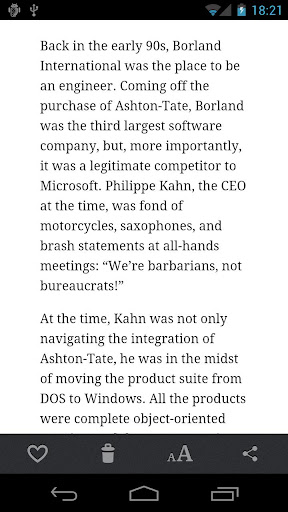
Save web pages for later offline reading, optimized for readability on your tablet or phone's screen. Critically acclaimed by top blogs, newspapers, and magazines!

Great for long articles and blog posts that you find during the day and would like to read, but don't have the time when you find them. Save with Instapaper, then read later when you're commuting, in a meeting, or waiting in line.

CORE FEATURES:
Saves most web pages as text only, stripping away the full-sized layout to optimize for tablet and phone screens
Distraction-free reading environment gets out of your way so you can focus on the content
Everything you download is then available **OFFLINE**, so you can read whenever you want, even on airplanes, subways, or Wi-Fi-only devices away from internet connections

PLUS:
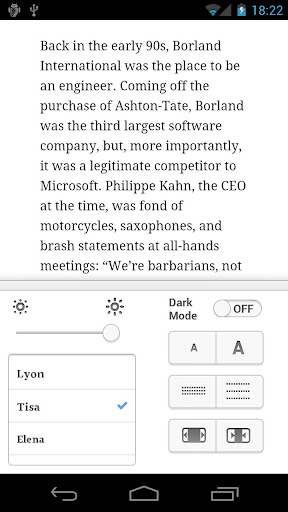
  • Adjustable fonts, text sizes, line spacing, and margins
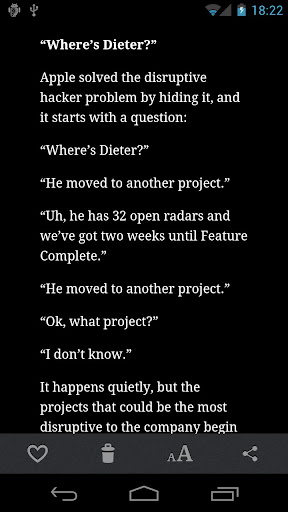
  • Dark mode and brightness control for night reading
  • Automatic Dark mode switching for sunset times in your location (not all devices support this feature)
  • Folders for organization
  • Share via web browser and any app that supports sharing
  • Rotation lock
  • Download up to 500 articles on your phone or tablet, and store unlimited articles on the Instapaper website
What's in this version : (Updated : May 14, 2013)
  • Bug fix for installs on Nook HD devices via the Google Play store
  • Bug fix for crash on some 2.3 devices
Required Android O/S : 2.2+
Screenshots :


Download : 3.6Mb APK

Camera FV-5 v1.46 APK

Camera FV-5 v1.46 APK


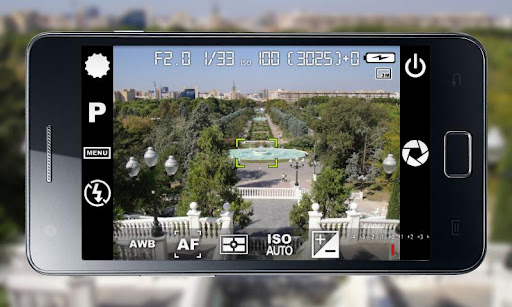
Camera FV-5 is a professional camera application for mobile devices, that puts DSLR-like manual controls in your fingertips !


Camera FV-5 play.google.com.camera.pro
Tailored to enthusiast and professional photographers, with this camera application you can capture the best raw photographs so that you can post-process them later and get stunning results. The only limit is your imagination and creativity!

Features :
  • All photographic parameters are adjustable and always at hand: exposure compensation, ISO, light metering mode, focus mode, white balance and program mode.
  • DSLR-like viewfinder display: see exposure time, aperture and stops display with EV and bracketing settings.
  • Full fledged exposure bracketing: from 3 to 7 frames, unlimited stops spacing, plus custom EV shifting.
  • Built-in intervalometer: make stunning timelapses (even bracketed/HDR timelapses) and time-controlled picture series.
  • Program and Speed-priority modes.
  • Long exposure support: take beautiful night photos and light trails with long exposure times up to 60 seconds*.
  • JPEG as well as RAW (PNG) image formats for lossless photo capturing, perfect for post-processing.
  • EXIF and XMP sidecar metadata support.
  • Self timer for delayed shooting.
  • Autofocus, macro, touch-to-focus** and infinity focus modes, plus a focus lock switch (AF-L).
  • In background photo developing and processing allows a smooth, uninterrupted camera operation.
This camera application completely avoids scene modes, instead you get full manual control over all photographic parameters, just like you do with a reflex camera, so you can ultimately control every aspect of the picture, and leave the post-processing to the computer. So after your DSLR, you will never miss a photo opportunity again, being able to capture it with the closer sensation to your DSLR as possible.
What's in this version: (Updated : May 15, 2013)
  • New: added Samsung Galaxy S III US version for live exposure and ISO metering.
  • Fixed: bracketing was not working on some devices and got stuck after the first frame.
  • Fixed: burst mode was not working on some devices.
  • Improved: reduced some milliseconds of startup time.
  • New: live exposure and ISO readings before taking a photo (during framing). Only available as of now on the Samsung Galaxy S III, new models will follow up. To activate this feature, go to Settings > Viewfinder > Live exposure and ISO metering.
  • Fixed: Camera FV-5 not returning the photo to the caller application.
  • Fixed: date/time on photos is now correct on all phones, despite some writing incorrect dates.
  • New: Danish, Greek, French, Portuguese (Portugal) and Swedish languages.
Required Android O/S : 2.2+
Screenshots :


Download : 1.7Mb APK

SwiftKey Tablet Keyboard v4.1.0.142 APK

SwiftKey Tablet Keyboard v4.1.0.142 APK


Meet the world’s smartest touchscreen keyboard for Android!


SwiftKey 3 Tablet Keyboard play.google.com.swiftkey.tablet.full
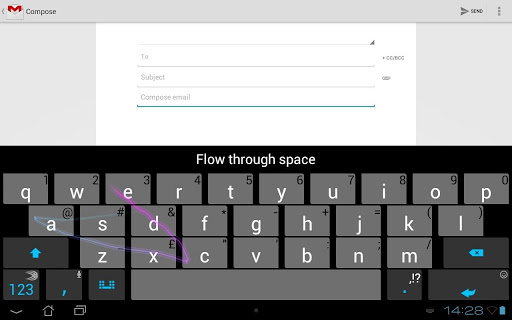
SwiftKey 3 Tablet understands how words work together, giving much more accurate corrections and predictions than other keyboards. Very sloppy typing will magically make sense, even if you miss spaces, and SwiftKey 3 Tablet also predicts your next words.

Upgrading from SwiftKey X, you may experience trouble with apostrophes or accented characters in predictions. This is because you need to update your language models. To do this, go to Settings, Languages & layouts, press menu and tap "update languages". When "update" appears next to your language(s), press it. When you return to your keyboard things should be working properly. *

SwiftKey 3 Tablet learns the words and phrases you use, and how you interact with your keyboard as you use it, to make typing easier and even more accurate over time. You can also personalize it using your Gmail, Facebook, Twitter or blog posts.

SwiftKey is among Android's best selling apps for a reason -- it transforms your keyboard, making typing a breeze and saving you hassle every day.

LANGUAGES SUPPORTED: (enable up to three at once if you're multi-lingual)
  • English (US)
  • English (UK)
  • Afrikaans
  • Arabic
  • Basque
  • Bulgarian
  • Catalan
  • Croatian
  • Czech
  • Danish
  • Dutch
  • Estonian
  • French (CA)
  • French (FR)
  • Finnish
  • Galician
  • German
  • Greek
  • Hebrew
  • Hungarian
  • Icelandic
  • Indonesian
  • Italian
  • Kazakh
  • Korean
  • Latvian
  • Lithuanian
  • Malay
  • Norwegian
  • Persian (Farsi)
  • Polish
  • Portuguese (BR)
  • Portuguese (PT)
  • Romanian
  • Russian
  • Serbian
  • Spanish (ES)
  • Spanish (US)
  • Slovak
  • Slovenian
  • Swedish
  • Turkish
  • Ukrainian
  • Urdu
Support for QWERTY, QWERTZ, QZERTY, AZERTY, DVORAK, COLEMAK, Arabic, Bulgarian, Greek, Hebrew, Korean, Persian (Farsi), Russian and Ukrainian layouts.
What's in this version : (Updated : May 15, 2013)
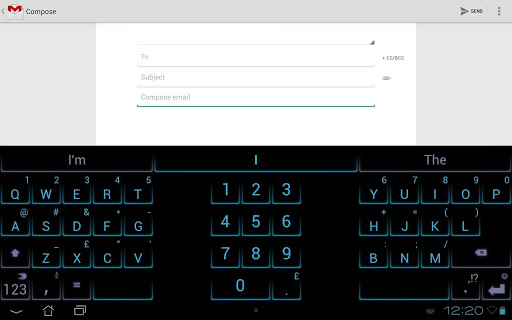
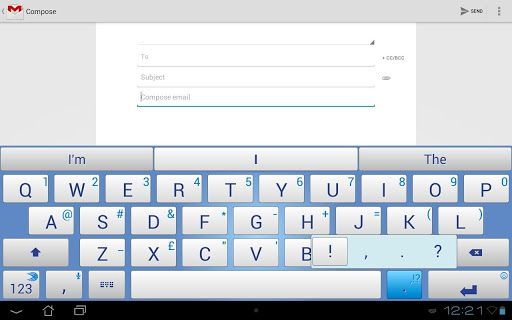
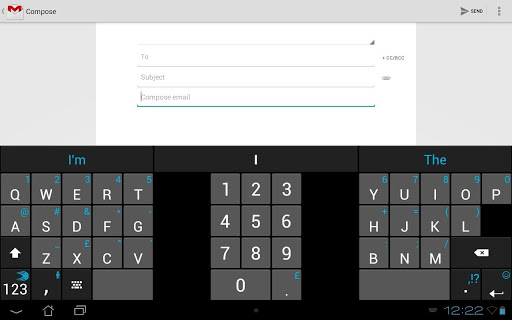
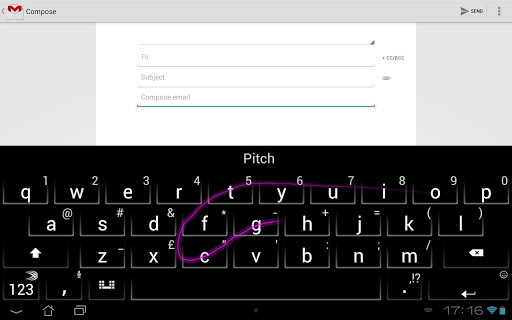
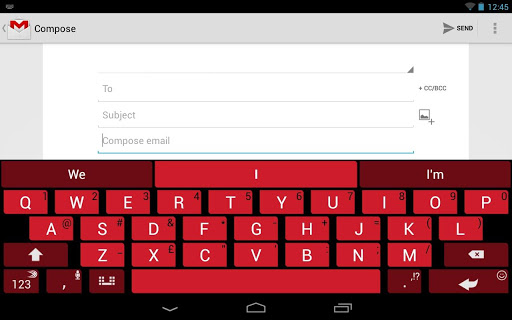
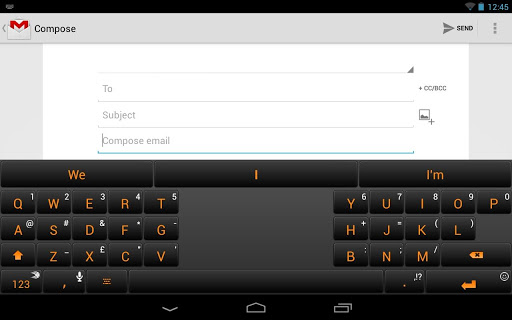
  • Three new themes: Pitch, Dusk, and Regal.
  • Fixed some issues with Facebook personalization
  • Fixed problem reaching ? on punctuation slider
  • Fixed crash when rotating screen in Settings
  • Improved functionality with Opera
  • Improved backspace in password fields and with smileys
  • Fixed crash when pressing empty predictions
  • Fixed issue with .com key in Chrome URL bar
Required Android O/S : 2.1+
Screenshots :


Download : 8.6Mb APK

Related Articles

Related Posts Plugin for WordPress, Blogger...