Sponsors

Sunday, May 12, 2013

Screen Off and Lock Donate v1.16.1 APK

Screen Off and Lock Donate v1.16.1 APK


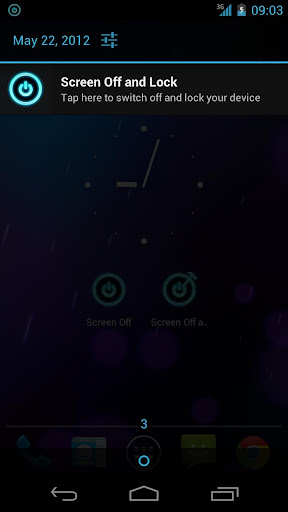
One click to turn off screen and lock device without touching power button


Screen Off and Lock (Donate) play.google.com.screenofflockdonate
Thanks for considering the donate version of "Screen Off and Lock".
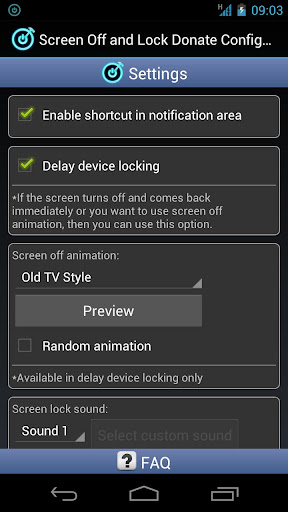
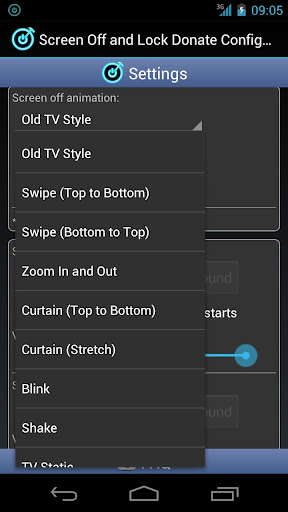
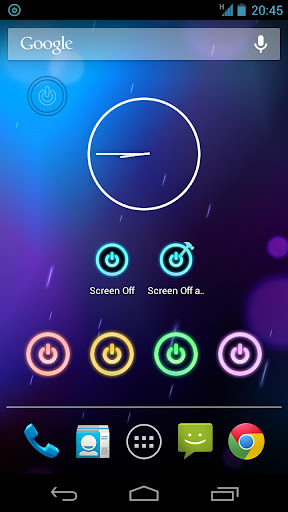
This tools allows you to switch off and lock screen by 1 click with screen off ANIMATION and SOUND effects.
THIS IS NOT A WIDGET!
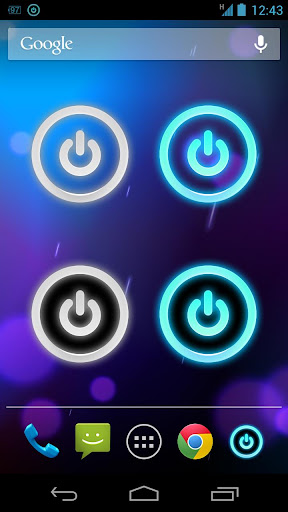
 You can place the shortcut in anywhere and customize the app icon and its label! (i.e. using ADW Launcher or LauncherPro)

You can click the shortcut in notification bar, put it into your dock of your launcher or long pressing the search key to switch off the screen and lock your device!

This donate version will EXIT COMPLETELY and FREE UP all the used memory after the screen is turned off or locked.

NOTES:
  • Before you can uninstall the app, please go to the setting page and click the "Remove device administrator" button.
  • Putting the shortcut in notification does not equal to the app that is running in the background. It is just a shortcut pointing to the app directly.
  • For those who cannot see the screen off animation even the app is reinstalled, please make sure you selected the option "All animations" under "Settings > Display > Animation" in the system.
  • If you would like to translate the app into other languages, please contact me by email. Thank you!
What's in this version : (Updated : May 10, 2013)
  • Fixed force close problem
Required Android O/S : 2.2+
  • Unsupported devices:  Motorola devices with stock ROM
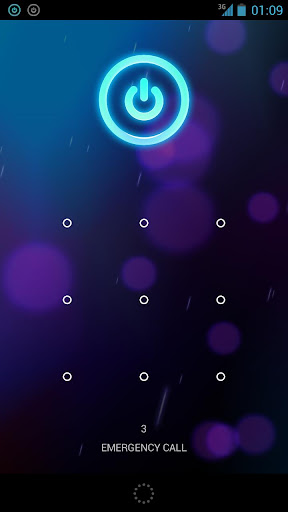
Screenshots :


Download : 720Kb APK
Popup Notifier Plus v5.5 APK

Popup Notifier Plus v5.5 APK


Popup Notifier displays your device's notifications as popup alerts !


Popup Notifier Plus play.google.com.popupnotifications
Popup Notifier displays your device's notifications as popup alerts.
With Popup Notifier you can greatly improve the way your device displays notifications.

THE SERVICE
To work properly, Popup Notifier requires that you activate the accessibility service "Popup" (accessibility services are currently the only way to process user notifications on Android systems).

You then have to use the "Monitoring" preference to choose which apps should raise notifications.
Status bar notifications must be enabled in the monitored apps for the alerts to appear properly.

HOW TO USE IT
Once you have activated the service and configured the app, your notifications will show as popup alerts, with 2 buttons :
  • View : launches the notification (has the same effect as clicking the notification in the status bar)
  • Close : dismisses the current notification and shows the next one (or closes the popup if there is no other notification to show)
Note that clicking « Close » will not remove the notification(s) from the status bar (the Android system doesn’t allow to manually remove notifications from the status bar).

POPUP NOTIFIER PLUS
With the full version of Popup Notifier :
  • You have access to 3 exclusive themes : Sense theme, Silver theme, and White theme
  • You can hide the app icon on the popup
  • You can choose to display the popup only when your screen is off
  • You can choose the timeout of the screen when the popup shows up while the screen is off. If you choose « 
Stay on », the screen will stay on until you dismiss the popup (Useful for users of phone without notification LED such as Galaxy S, Galaxy SII, Nexus S, Galaxy Nexus, …).
  • You can choose to dim the screen when the popup shows up while the screen is off
  • You can choose the action of the "Close" button
  • You can use custom vibration patterns
  • You can use privacy options
  • You can use reminders
  •  You can set quiet hours
CONFIGURATION
To receive notifications from an app, check it in the "Monitoring" section of the preferences.

Here are some examples of apps you can configure to work with Popup Notifier :
  • Google Voice
  • Viber
  • Trillian
  • Handsent SMS
  • GoSMS
  • Facebook Messenger
  • K9 Mail / Kaiten Mail
  • Metro Messaging Beta
  • ChompSMS
  • Messenger WithYou
  • eBuddy
What's in this version : (Updated : May 12, 2013)
  • Added support for notification actions for JB
  • Improved SMS quick reply and direct callback
  • Bug fixes
Required Android O/S : 2.1+
Screenshots :
Popup Notifier Plus Popup Notifier Plus

Download : 3.1Mb APK

Friday, May 10, 2013

Worms 2: Armageddon v1.3.5 APK
Worms 2: Armageddon v1.3.5 APK

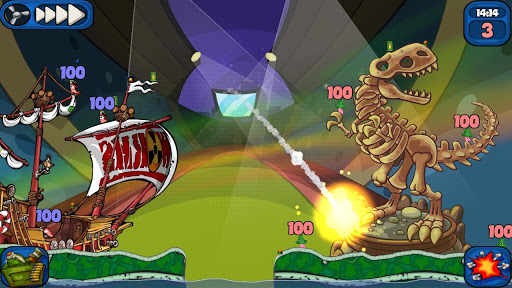
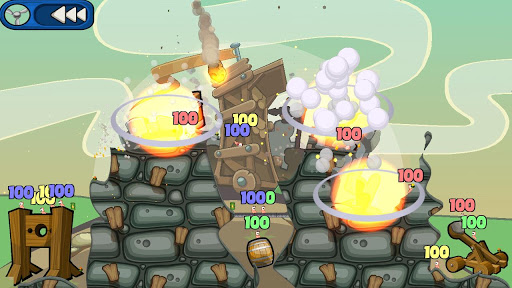
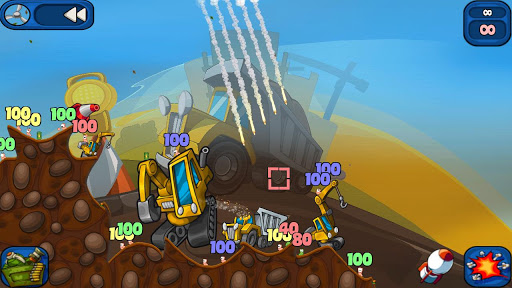
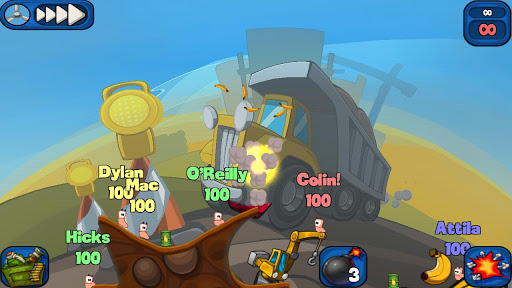
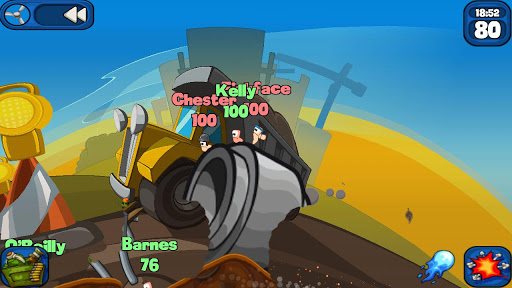
Grab your grenades and prepare for battle, as the worms are back, bigger and better than ever in Worms™ 2: Armageddon!


Worms 2: Armageddonplay.google.com.worms2armageddon
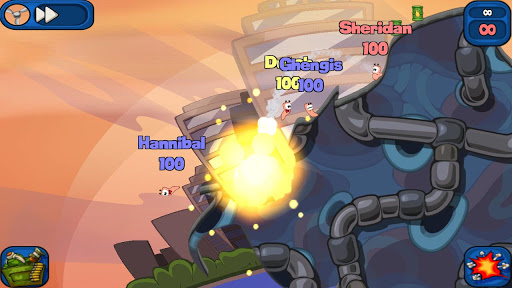
The best-selling turn-based-strategy blast-a-thon is now available on Android, with new weapons, brand new customisation options and of course, more explosions!

Features:
  • Authentic Worms™ gameplay with cartoon-style visuals, comical audio and a refined control system using the innovative touch screen user interface
  • New to Worms? Make sure to check out the Practice mode, where you can try out weapons against A.I. dummy worms
  • 30 Single Player missions across 5 new themes including Manhattan, Medieval, Sports, Construction and Cheese
  • Body Count Mode, take on endless waves of increasingly tough enemy worms
  • Take on players from around the world with online Wi-Fi multiplayer action for 2 players
  • Pass-and-Play with hotseat local multiplayer action for 2-4 players
  • New weapons and utilities, including the Sentry Gun, Electromagnet, Napalm Strike, Super Sheep, Petrol Bomb, Armageddon, Pneumatic Drill, Earthquake and Poison Strike
  • Classic Worms™ weaponry, including the return of the Sheep, Holy Hand Grenade, Concrete Donkey, Parachute, Baseball Bat and Ninja Rope
  • Personalise the look of your team by changing your worms names, hat, skin, speechbank, gravestone, fort and victory dance!
  • 12 different Game Styles including new modes Fort Mode and Crazy Crates and the return existing modes Easy, Normal, Pro, ‘Bazooka and Grenade’, Melee, Gun Show, Heads Up, Lightside, Darkside and Sudden Death. You can even create your own Custom Game Style!
  • Leaderboards
  • Achievements
What's in this version: (Updated : May 10, 2013)
  • Various bug fixes and improvements to the game.
Required Android O/S : 2.2+
Screenshots :


Download : 7Mb APK
Download : v1.3 (APK+OBB)
Instructions :
  • Install APK
  • Copy 'com.worms2armageddon.app' folder to 'sdcard/Android/obb' (If you have installed v1.3 no need to download obb file)
  • Launch the Game

Windows8 Pro2 Next Theme v1.0 APK

Windows8 Pro2 Next Theme v1.0 APK


It can run well in the lastest version of the Next Launcher!


Windows8 Pro2 Next Themeplay.google.com.windows8pro
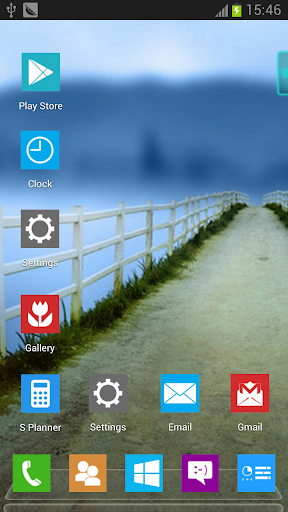
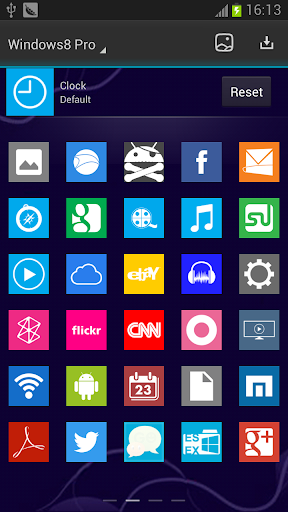
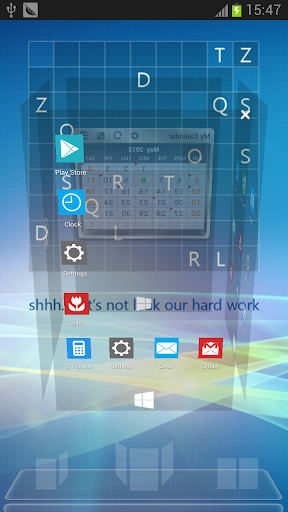
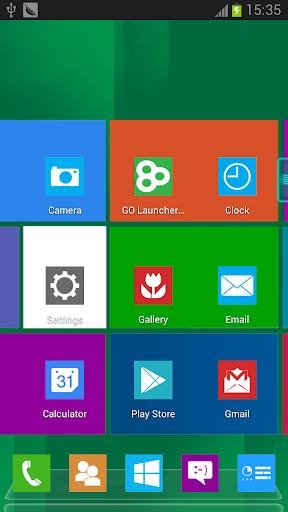
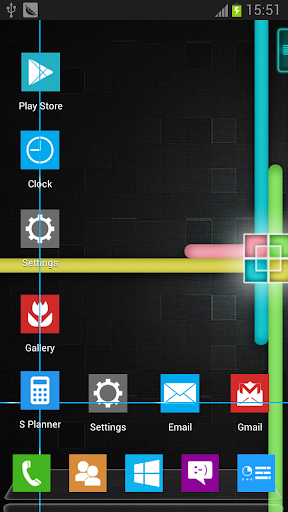
Windows 8 Pro2 Next Theme, designed by Mr.Tornado, is available now! Get it and have a completely new makeover of your smartphone with android OS at once!Windows8 Pro2 Next Launcher theme.114+ special icons, 10 HD wallpapers of the topic,5 icons base.
Features:
  • Free for Next Launcher 3D
  • 114 special icons, covers the main apps of the phone such as dial, SMS, email and so on
  • 10 HD wallpapers of the topic
  • Show you a integral theme, screen preview and dock are included
  • New folder interface experience
  • Special app drawer skin
Important tips:
Make sure the version V1.15 of Next Launcher 3D has been installed! (Search “Next Launcher 3D” to download)
APPLYING THE THEME
  • In Next Launcher press the phone menu button;
  • Select the PERSONALITY option;
  • Click on the THEME icon;
  • Select the Installed tab option;
  • From the Theme listing select the theme you´ve just download and installed;
  • Select APPLY;
  • APPLYING THE WALLPAPERS
  • Press the “Windows8 Pro” icon in the menu of the phone;
  • Select the "Set Wallpaper!" option;
  • Select desired wallpaper and click Set Wallpaper;
  • Required Android O/S : 2.2+
    Screenshots :


    Download : 4.5Mb APK

    Pixel Fleet v1.0.0 APK

    Pixel Fleet v1.0.0 APK


    Watch ships from Earth!


    Pixel Fleetplay.google.com.pixelFleetLWP
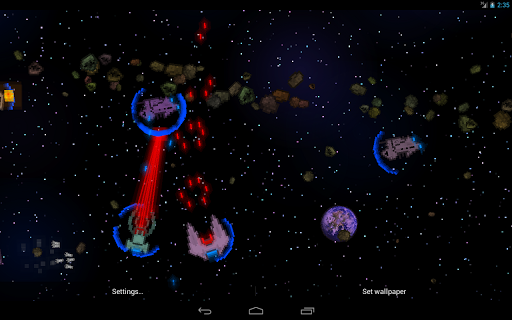
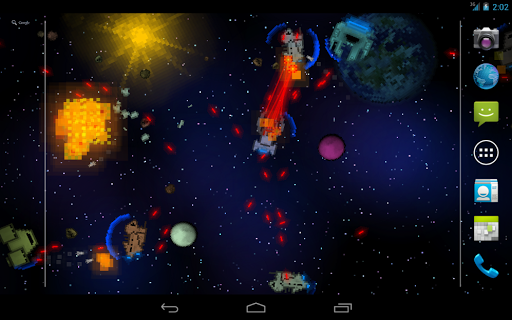
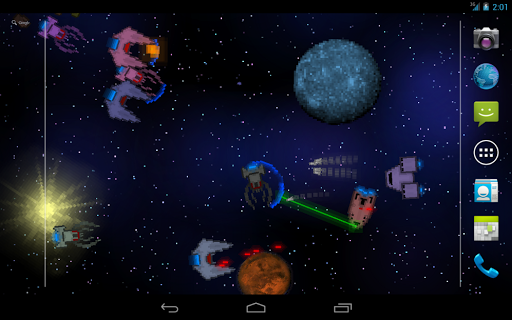
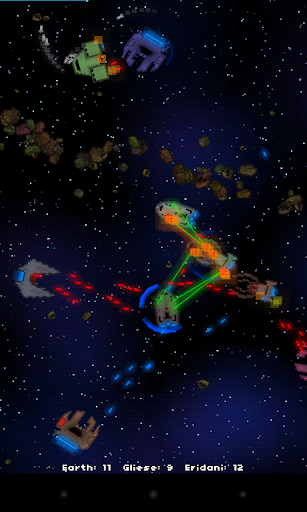
    Watch ships from Earth, the Gliese 581 star system, and the Epsilon Eridani star system battle for survival in space on your device! Can be used as either a Live Wallpaper or Daydream.

    Features:
    • 6 ships, 2 from each faction, each with unique properties and behavior
    • Different dynamic backgrounds generated for each simulation with planets, asteroids, asteroid belts, moons, in-system stars, and space dust
    • Keep score! See which faction is winning the war.
    • Many settings available to customize your experience. 
    • Take control of a ship's fate by double-tapping to destroy it.
    • Stats to track behavior of each faction.
    • Daydream support for devices with Android 4.2+
    Powered by libGDX with OpenGL ES 2.0
    Required Android O/S : 2.1+
    Screenshots :


    Download : 2.1Mb APK

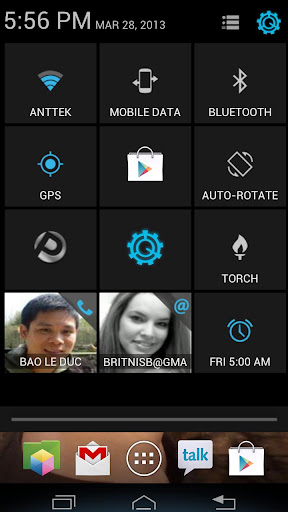
    AntTek Quick Settings Pro v1.5 APK

    AntTek Quick Settings Pro v1.5 APK


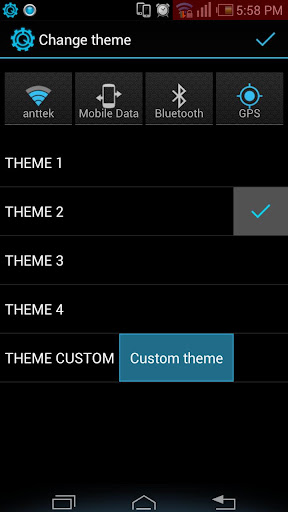
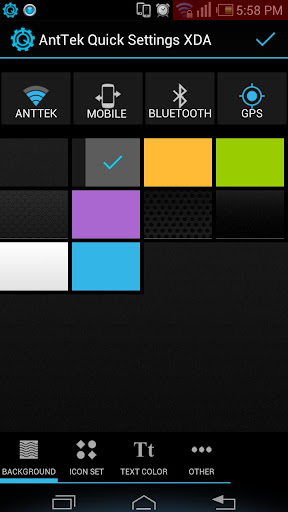
    AntTek Quick Settings is a decent app to quickly alter device settings, launch apps, quick calls!


    AntTek Quick Settings Proplay.google.com.quicksettingspro
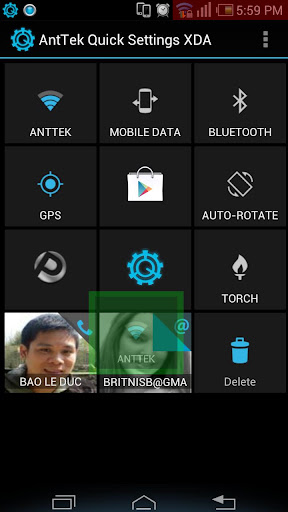
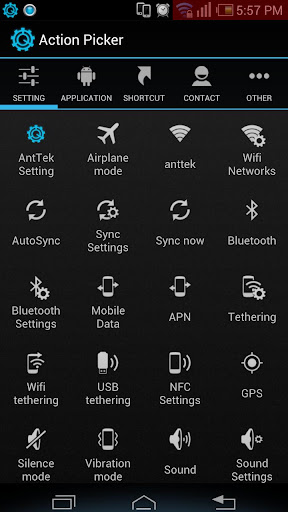
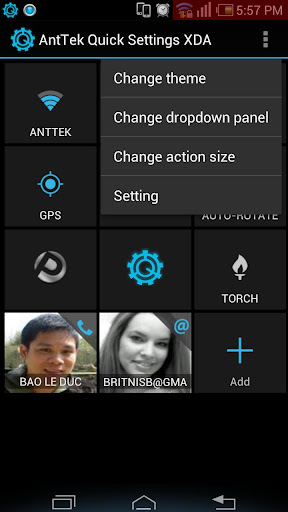
    This app brings Jelly Bean Quick Setting to Android 2.1+ with plenty of customization (don't need ROOT!!). It's more than regular quick settings. You can customize to add different things to quick setting panel, including (over 75 built-in actions)
    Features:
    • Toggle settings: WiFi, mobile data, bluetooth, wake lock, rotation, flight mode, WiFi- & USB-Tethering, GPS, etc
    • Sound / Vibration, Sound / Silent, Sound menu
    • Brightness mode / menu / 3 predefined stages
    • Quick action: music (previous / next / pause), battery, camera, direct dial, direct message, direct email
    • Web shortcut, application shortcut, new event, new message
    • Application launcher (better than sidebar launcher)
    • For root users: reboot, power off, recovery, wireless ADB, etc.,
    • Hidden system activities
    • and more
    How to work with: to execute an action, pull quick setting panel down from top/right corner of the screen and tap on an action. Simple and easy! You can long-click to do more (PRO)

    Other features:
    • Different themes
    • Flexible settings (vibration, action size, dynamic action, etc)
    • Unlimited actions on Quick Setting Panel (PRO)
    • 100% Holo design
    • For Jelly Bean 4.2, this app is a complement to add a second configurable quick setting panel
    What's in this version : (Updated : May 8, 2013)
    • Added "Recent Apps" action
    • Added languages: Hugarian, Japanese, Latvian, Slovak
    • Fixed other minor bugs
    Required Android O/S : 2.1+
    Screenshots :


    Download : 2.5Mb APK

    Related Articles

    Related Posts Plugin for WordPress, Blogger...